


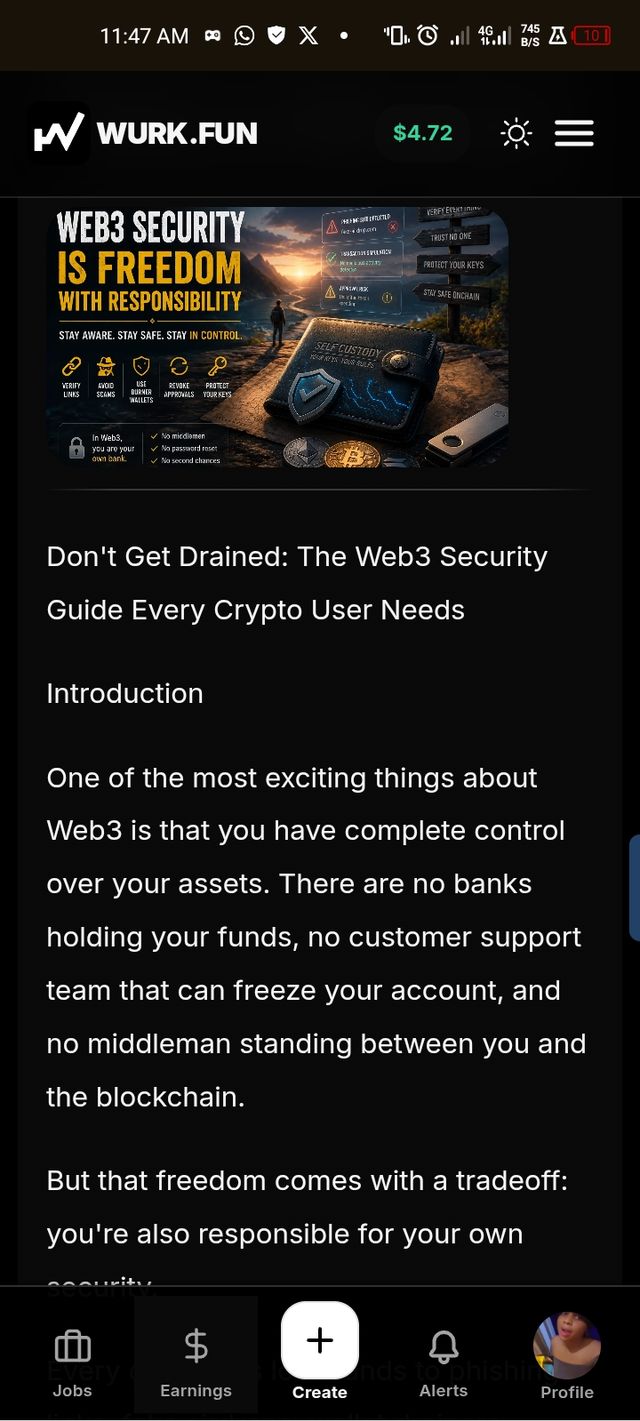
Don't Get Drained: The Web3 Security Guide Every Crypto User Needs
Don't Get Drained: The Web3 Security Guide Every Crypto User Needs Introduction One of the most exciting things about Web3 is that you have complete control over your assets. There are no banks holding your funds, no customer support team t
Don't Get Drained: The Web3 Security Guide Every Crypto User Needs
Introduction
One of the most exciting things about Web3 is that you have complete control over your assets. There are no banks holding your funds, no customer support team that can freeze your account, and no middleman standing between you and the blockchain.
But that freedom comes with a tradeoff: you're also responsible for your own security.
Every day, users lose funds to phishing links, fake airdrops, wallet drainers, malicious smart contracts, and social engineering scams. Most of these attacks aren't sophisticated hacks—they succeed because someone clicked a link without verifying it or signed a transaction without understanding what it did.
The good news is that staying safe in Web3 doesn't require technical expertise. It requires good habits.
This guide covers the essential security practices every crypto user should know before connecting a wallet, signing transactions, or interacting with new projects.
The Most Important Rule in Web3: Verify, Don't Trust
Web3 operates on a simple principle:
Don't trust. Verify.
Just because a project is trending doesn't mean it's legitimate.
Just because a website looks professional doesn't mean it's safe.
Just because someone claims to be support doesn't mean they actually are.
Before interacting with any project, verify everything through official sources.
This mindset alone can prevent most scams.
Before Connecting Your Wallet to Any Website
Connecting your wallet is often the first step scammers need.
Many malicious websites don't need your seed phrase—they simply need you to approve the wrong transaction.
Before clicking "Connect Wallet," ask yourself:
Is the URL correct?
Scammers frequently create websites that look identical to legitimate projects.
Examples:
- Slight misspellings
- Extra characters
- Different domain extensions
- Fake copies of popular dApps
Always double-check the URL character by character.
Did I find this link from an official source?
The safest places to get links are:
- Official website
- Official X account
- Official documentation
- Official Discord announcements
Avoid links from:
- Direct messages
- Telegram replies
- Random comments
- Fake support accounts
What am I being asked to sign?
Many users click "Approve" without reading the transaction.
Take a moment to understand:
- Is this a wallet connection?
- Is this a message signature?
- Is this granting token permissions?
- Is this an actual blockchain transaction?
If something doesn't make sense, don't sign it.
Understanding Burner Wallets
One of the smartest habits in Web3 is using a burner wallet.
A burner wallet is a secondary wallet used for testing new projects and interacting with unknown applications.
Think of it as the crypto equivalent of using a spare email address when signing up for websites.
Why Use a Burner Wallet?
A burner wallet helps:
- Protect your main holdings
- Reduce exposure to malicious contracts
- Test new dApps safely
- Separate experimentation from long-term storage
If something goes wrong, only the assets inside the burner wallet are at risk.
How to Create a Burner Wallet
Creating a burner wallet takes only a few minutes.
Step 1
Install a trusted wallet such as Phantom, MetaMask, or Rabby.
Step 2
Create a completely new wallet.
Do not reuse an existing wallet.
Step 3
Write down the seed phrase and store it safely offline.
Step 4
Transfer only a small amount of funds into the wallet.
Never keep large holdings in a burner wallet.
Step 5
Use this wallet whenever you interact with:
- New projects
- NFT mints
- Experimental dApps
- Early-stage protocols
Your primary wallet should remain separate.
Hot Wallets vs Cold Wallets vs Burner Wallets
Many users only think about one wallet.
Experienced users often use all three.
Hot Wallet
A wallet connected to the internet.
Examples:
- Phantom
- MetaMask
- Rabby
Best for daily activity.
Cold Wallet
A hardware wallet that stores keys offline.
Examples:
- Ledger
- Trezor
Best for long-term asset storage.
Burner Wallet
A wallet used specifically for risky or experimental interactions.
Best for:
- Testing
- Airdrops
- New protocols
- NFT mints
A strong setup often looks like:
Cold Wallet → Main Wallet → Burner Wallet
Each wallet serves a different purpose.
Common Scam Types Every User Should Know
Phishing Links
Phishing attacks are designed to trick users into visiting fake websites.
The site may look identical to the real one.
The goal is usually to get users to sign malicious transactions.
Red Flags
- Fake urgency
- Countdown timers
- "Claim now"
- "Limited spots left"
- Unexpected rewards
Fake Airdrops
Scammers know that crypto users love free tokens.
Fake airdrops often promise rewards in exchange for connecting a wallet.
Many are designed solely to steal assets.
If an offer sounds too good to be true, it usually is.
Address Poisoning
Attackers send tiny transactions from wallet addresses that closely resemble addresses you've used before.
Later, users accidentally copy the attacker's address from transaction history.
Always verify the full wallet address before sending funds.
Wallet Drainers
Drainers are among the most dangerous threats in Web3.
They trick users into granting permissions that allow assets to be moved without further approval.
Many drainer sites look completely legitimate.
This is why reading transaction requests matters.
Fake Support Accounts
One of the oldest scams still works surprisingly well.
Someone messages you saying:
"Hello, support here. We noticed an issue with your wallet."
Real support teams almost never DM users first.
Treat every support message as suspicious until verified.
How to Check if a Project Is Legit
Before interacting with any project, do basic research.
Look at the Team
Ask:
- Are the founders public?
- Have they built before?
- Do they have a reputation to protect?
Anonymous teams aren't automatically scams, but transparency matters.
Review the Documentation
Legitimate projects usually provide:
- Clear documentation
- Roadmaps
- Product explanations
- Security information
A lack of information is often a warning sign.
Examine the Community
Watch for:
- Thousands of followers but almost no engagement
- Repetitive comments
- Fake hype
- Constant shilling
Healthy communities usually discuss the product, not just the token price.
Be Skeptical of Massive Promises
If a project guarantees:
- Risk-free profits
- Guaranteed returns
- 100x gains
Walk away.
No legitimate investment is risk-free.
Seed Phrase Security
Your seed phrase is the master key to your wallet.
Whoever controls it controls your assets.
Store It Offline
Recommended options:
- Paper backup
- Metal backup
- Secure physical storage
Never Store It Here
Avoid:
- Screenshots
- Cloud drives
- Telegram
- Discord
- Notes applications
No legitimate project, moderator, exchange, or support agent will ever need your seed phrase.
If someone asks for it, they are trying to steal your funds.
Why You Should Revoke Old Approvals
Many users grant token permissions and forget about them.
Months later, those permissions may still exist.
That means old contracts can retain access long after you've stopped using them.
Regularly reviewing approvals helps reduce risk.
How to Revoke Approvals
- Open a trusted approval checker.
- Connect your wallet.
- Review active approvals.
- Remove permissions you no longer need.
- Confirm the revocation transaction.
Think of it as changing passwords for your wallet's permissions.
What to Do If You Think Your Wallet Is Compromised
Act immediately.
First
Move remaining assets to a secure wallet.
Second
Revoke suspicious approvals.
Third
Disconnect from unknown websites.
Fourth
Create a new wallet if necessary.
Fifth
Treat the compromised wallet as unsafe going forward.
Speed matters.
The sooner you respond, the better your chances of limiting losses.
Final Thoughts
Most Web3 scams don't rely on breaking cryptography.
They rely on human mistakes.
The strongest security tool isn't software—it's caution.
Use burner wallets. Verify every link. Read every transaction. Protect your seed phrase. Revoke unnecessary approvals.
Most importantly, never let hype override common sense.
In Web3, you are your own bank.
And the safest users are the ones who remember a simple rule:
Verify first. Trust later.



Latest comments
0