


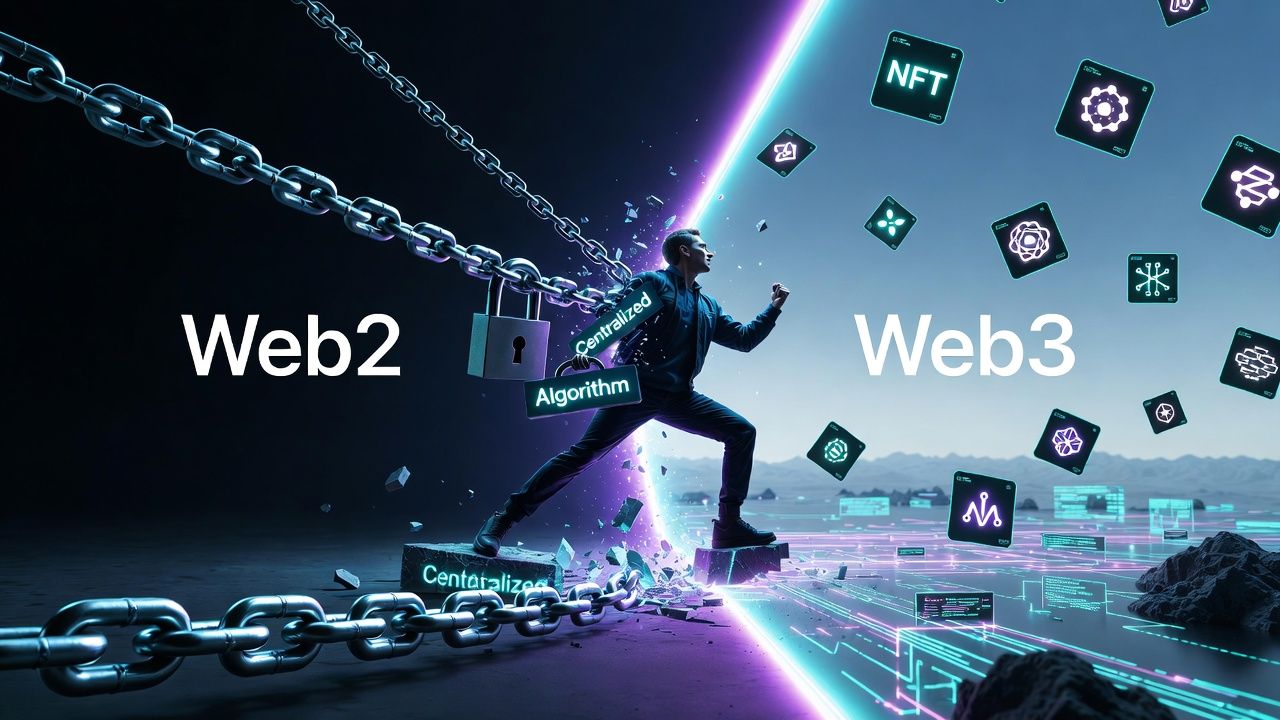
Web3 gives you full control over your money. That freedom is powerful, but it also means a single mistake can empty your wallet in seconds. Scams are more sophisticated than ever, and many losses happen because basic checks were skipped.
Most losses are preventable. The safest users treat security as an everyday habit, not a one-time setup. This guide explains what to verify before you connect or sign, how to use burner wallets safely, how to spot common red flags quickly, and how to revoke old approvals on Solana.
Whether you are completing tasks on WURK, testing new dApps, or managing long-term holdings, these habits can help protect what you have earned.
Before You Connect or Sign
Do not rush. Take 30 seconds to run these checks before you connect a wallet or approve a transaction.
- Type the URL yourself. Avoid links from DMs, replies, emails, or ads. After verifying the real site, bookmark it and use the bookmark going forward.
- Verify using official channels. Go to the project’s verified X account or official documentation and confirm the link there. Do not trust links shared in messages.
- Read the transaction preview. Phantom and Solflare show exactly what will happen. Check the program name, token approvals, and the amounts involved. If anything looks unfamiliar, reject it.
Red Flags That Suggest a Scam
These warning signs appear in most drainers and fake projects. If you notice two or more, close the tab.
- Anonymous team with no track record: Legit teams usually have a visible history or credible work.
- Copied site design: Scammers often clone popular websites. Compare fonts, wording, and layout carefully.
- Urgency and pressure: “Last chance,” “limited time,” and similar wording is designed to rush you.
- Unrealistic rewards: Guaranteed gains or “free” tokens that require a wallet connection are usually traps.
- Immediate request to connect: Legit sites explain what they do before asking for access.
Burner Wallets: A Safer Way to Interact With Risky Sites
A burner wallet is a separate wallet that holds only a small amount of SOL and is used for one specific high-risk interaction. If something goes wrong, you lose only what is inside that wallet.
Common uses include testing new dApps, claiming airdrops, and connecting to unverified projects. Your main wallet stays isolated.
How to create a burner wallet on Solana (Phantom)
- Open Phantom and select Create new wallet.
- Name it clearly, for example, Burner - June 2026 dApp Test.
- Write down the new seed phrase on paper and store it separately from your main wallet’s seed phrase.
- Switch to the new wallet and send a small amount of SOL (often 0.1 to 0.5 SOL is enough).
- Use only this burner wallet to connect to the site or dApp.
- When finished, move any remaining funds back to your main wallet and stop using the burner.
Create a fresh burner for each risky task. Do not reuse an old burner for anything important.
Hot, Cold, and Burner Wallets
- Hot wallet (Phantom, Solflare): Convenient for daily use and tasks like WURK. Keep smaller balances here.
- Cold wallet (Ledger): Best for large or long-term holdings. Your keys stay offline.
- Burner wallet: Temporary and disposable. Use it for one-time or high-risk connections only.
Many users benefit from using all three, depending on the situation.
Common Scam Types to Know
- Fake airdrop or claim sites: You connect to “claim,” then the site drains your wallet.
- Drainer dApps: Malicious apps that request approvals and later move funds out.
- Address poisoning: Scammers send tiny transactions from lookalike addresses so you copy the wrong one later.
- Fake support DMs: Someone pretends to be support and asks for your seed phrase or a connection. Real support never does this.
Revoke Old Approvals Regularly
When you interact with dApps, you may grant ongoing permissions that remain active after you stop using the site.
On Solana, you can review and revoke approvals with free tools:
- famousfoxes.com/revoke
- solrevoker.com
Steps:
- Open one of the tools above.
- Connect your wallet.
- Review approvals and revoke anything you do not need or do not recognize.
Do this monthly. It takes under a minute and removes a common attack vector.
Read Every Transaction and Protect Your Seed Phrase
Before signing, read your wallet’s transaction summary and confirm it matches what you intend to do.
Your seed phrase is the master key to your funds. Store it offline only. Use paper or a metal backup, and keep copies in separate secure locations. Never take photos, never store it in the cloud, and never enter it on a website. No legitimate project will ask for it.
If You Think Your Wallet Is Compromised
Act quickly:
- Create a new wallet, ideally on another device.
- Use a revoke tool immediately to remove approvals on the old wallet.
- Move any remaining funds to the new wallet.
- Monitor the old wallet and warn others if needed.
- Review what happened so you can strengthen your process.
The Mindset That Keeps You Safe
Verify, do not trust. Slow down before every connection and signature. Use burner wallets for anything risky, revoke approvals regularly, and protect your seed phrase like it is irreplaceable.
With consistent habits, you can avoid most of the traps that catch rushed or distracted users.

Latest comments
0